Kitchen Display
Every order, clear in the kitchen
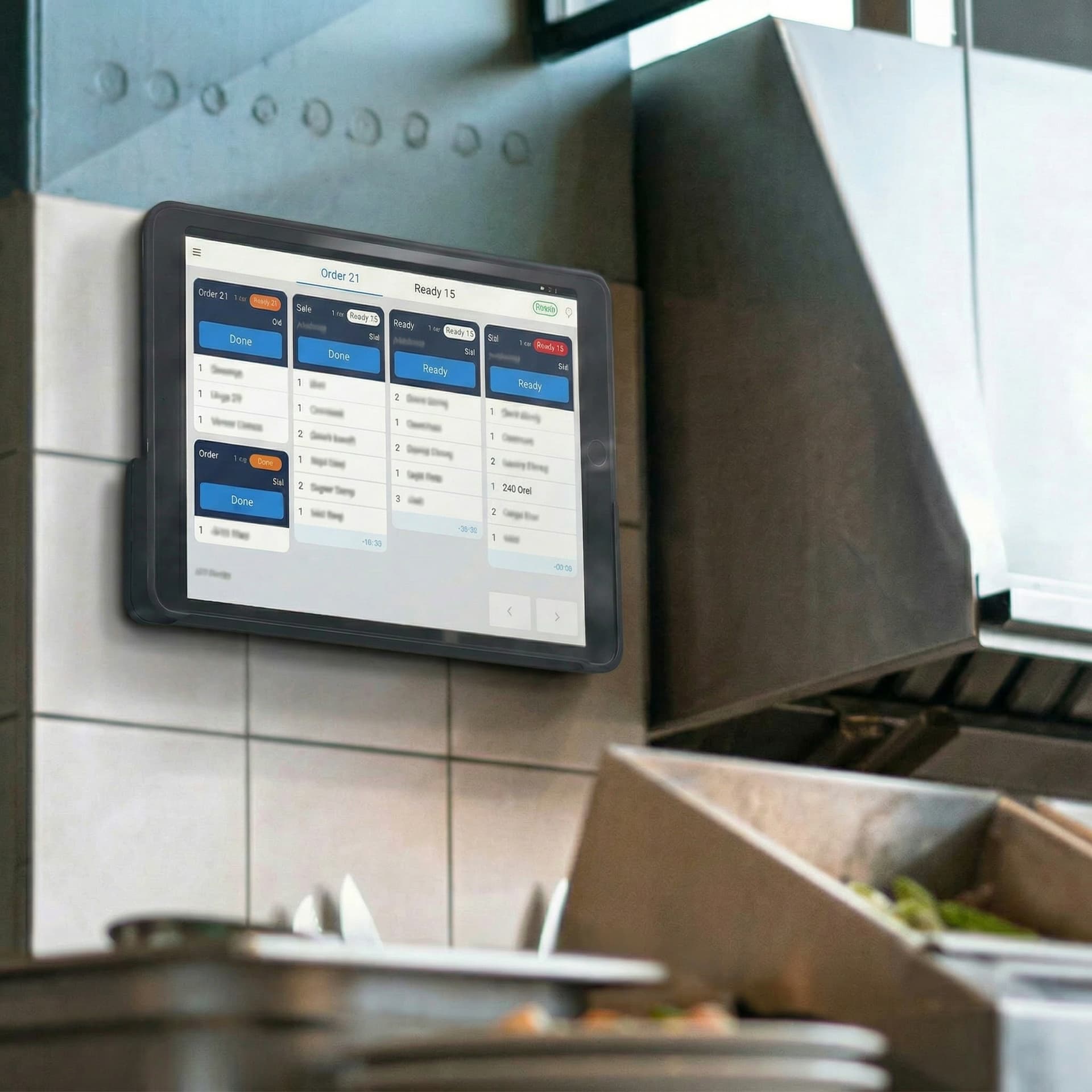
Orders from your POS show up on a kitchen screen, and your cooks tap Ready when the food is up.
At a glance
Tickets anyone can read
Big order numbers, clear items and a timer on every ticket, so the kitchen always knows what's next.
Ready to serve
Tap Ready, and customers see it
When the food is up, cooks tap Ready and the order number shows on your Order-Call Screen.
One system for your whole restaurant
Your menu, staff and orders are the same on every Foodteria product — change something once and it's updated everywhere.
Kitchen Display questions
A tablet or screen with a web browser. There's no app to install.
English, French and Korean.
Your first month is $1.
See everything Foodteria can run in your restaurant — no contract, cancel anytime.